4K@60Hz
Enable Triple Display on Win/Max
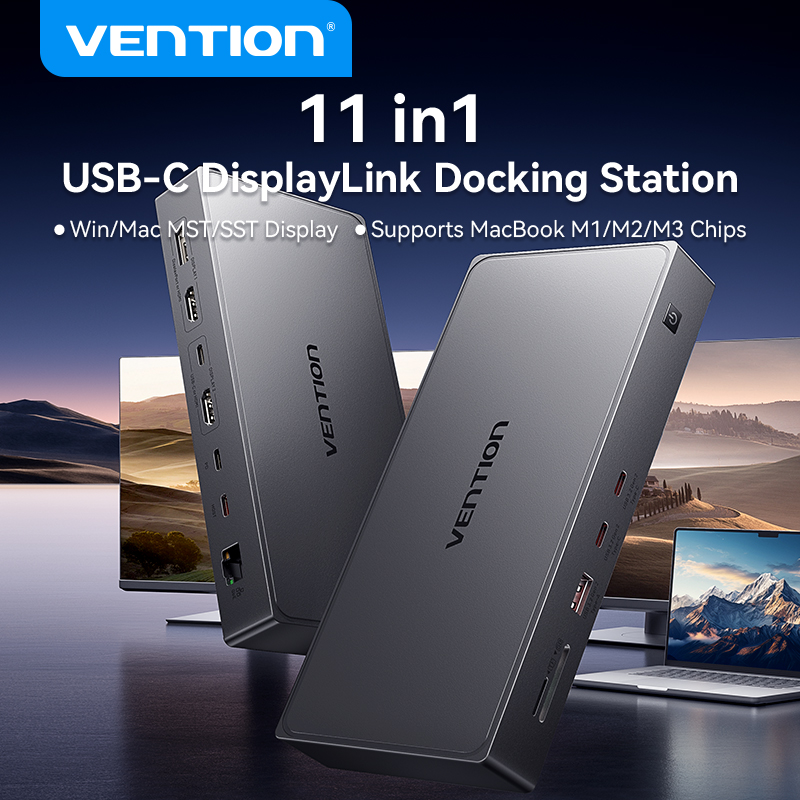
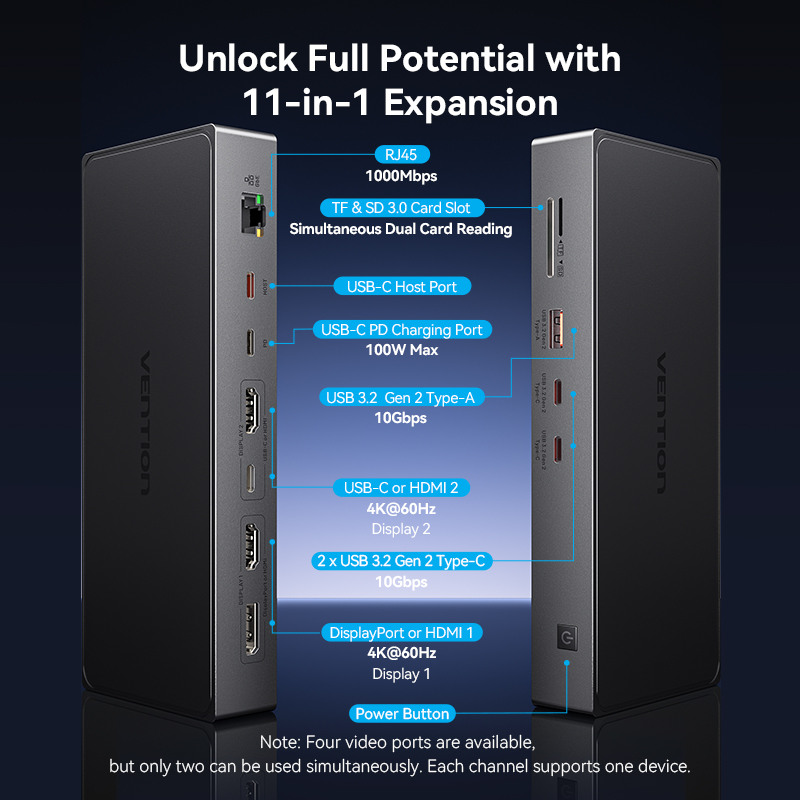
11 in 1 USB-C DisplayLink Docking Station ▶Unlock Full Potential with 11-in-1 Expansion
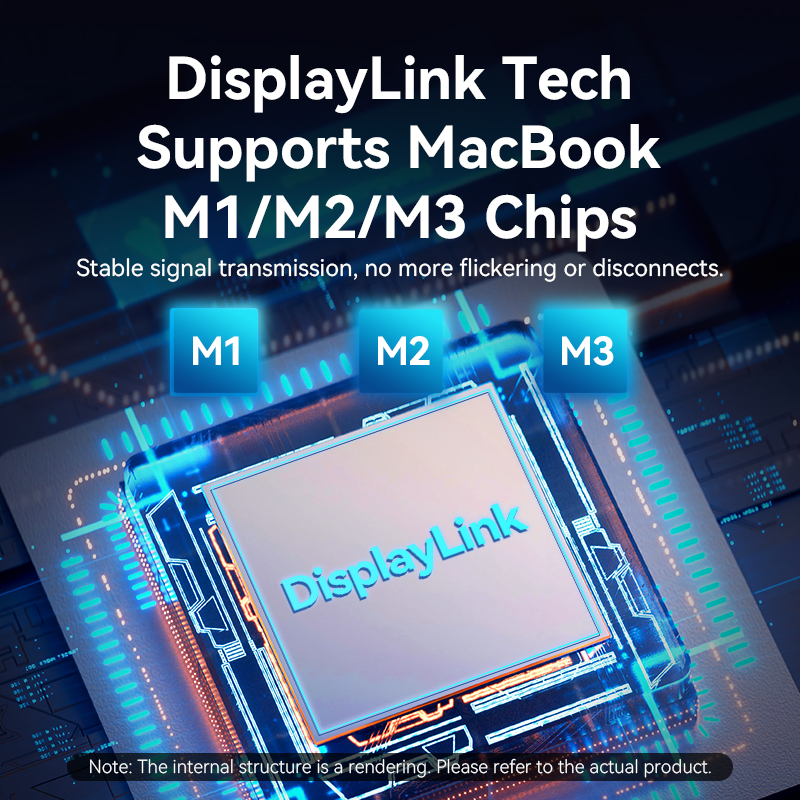
 ▶DisplayLink Tech Supports MacBook M1/M2/M3 Chips
Stable signal transmission,no more flickering or disconnects ▶4K@60Hz Single Display or Multi-Screen Expansion
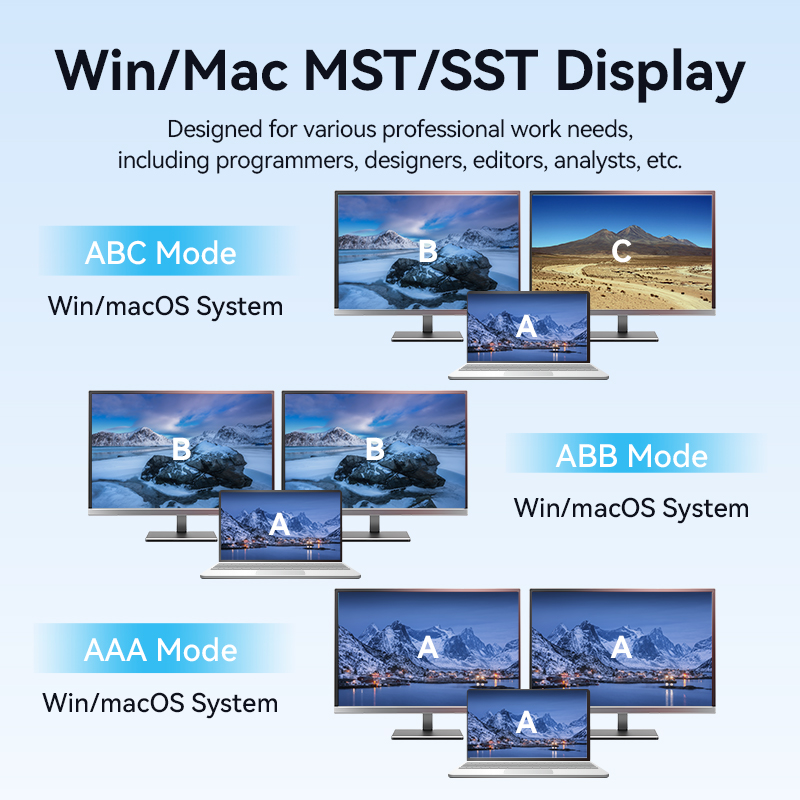
Enjoy crystal-clear visuals and stunning detail for a true cinematic experience at home ▶Win/Max MST/SST Display
Designed for various professional work needs
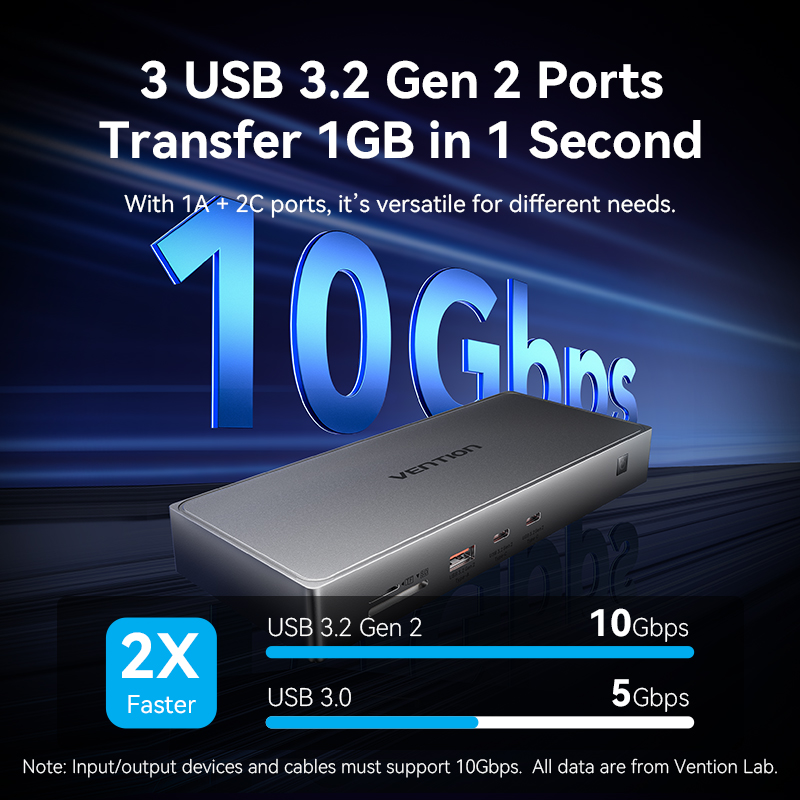
including programmers,designers,editors,analysts,etc ▶3 USB 3.2 Gen 2 Ports Transfer 1GB in 1 Second
With 1A+1C ports,it's versatile for different needs ▶Simultaneous SD/TF Reading
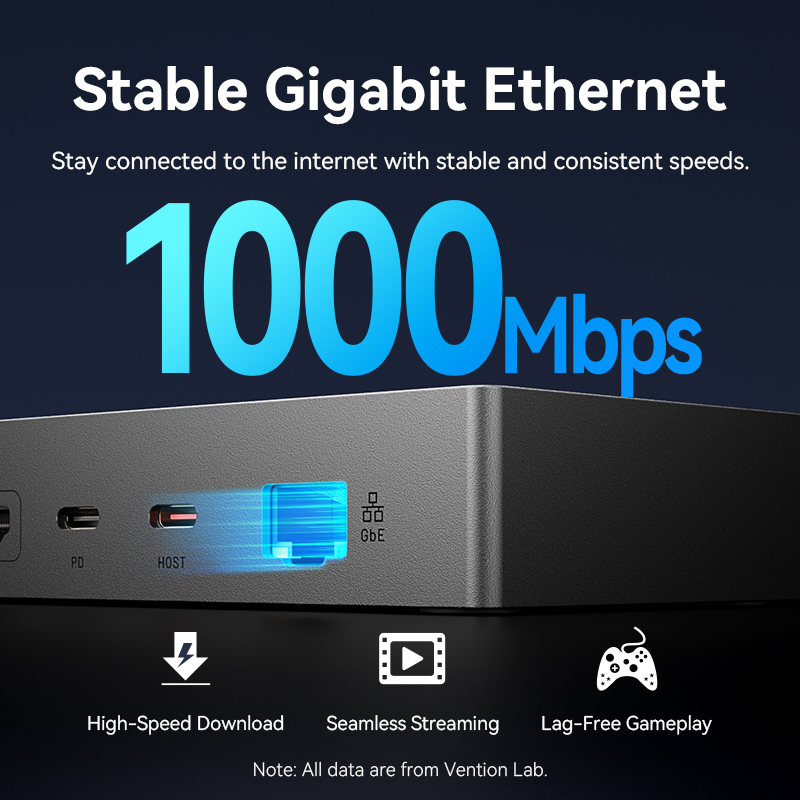
Support up to USB 3.0 card slot speed ▶Stable Gigabit Ethernet
Stay connected to the internet with stable and consistent speeds ▶100W PD Fast Charging Keeps Your Laptop Fully Powered
Stable power supply even with multiple peripherals connected ▶DisplayLink Chip
Stable and smooth performance even under maximum load ▶Premium Aluminum Alloy Shell
Ensures stable and safe chip operation ▶USB 4.0 High-Quality Cable
One cable for charging,data transfer,and screen mirroring ▶Distinctive Details That Stand Out
 ▶Wide Compatibility
First Installation Guide
Visit www.displaylink.com;click on"DOWNLOADS" located at the top right corner
★Mac OS system
①、Click on "'Download" to initiate the download process.
②、Once the download is complete, click on "Accept" to proceed.
③、Open the downloaded file package and click on "'Continue".
④、Follow the on-screen instructions to complete the installation.
You may be promoted to enter your screen lock password.

★Windows system
①、Click on "Download"" to initiate the download process.
②、Once the download is complete, click on "Accept" to proceed.
③、Locate the downloaded file package and right-click onit. Select ''Run as adminisrtator" from the context menu.Wait for the system compatibility approval and follow theon-screen instructions to complete the installation.
④、Once the installation is completed, click on "'Finish". ▶Specifications





Comments (0)
Your review appreciation cannot be sent
Report comment
Report sent
Your report cannot be sent