Overview
- This USB-C to HDMI cable is a convenient solution for connecting your USB-C device directly to your HDMI monitor, projector or TV, Noted: For iPad Pro 2018, only a few applications are applicable to the full-screen display
- Plug-and-play, up to 4K@30Hz resolution. HDMI supported TV/monitor/projector for both video and audio transfer
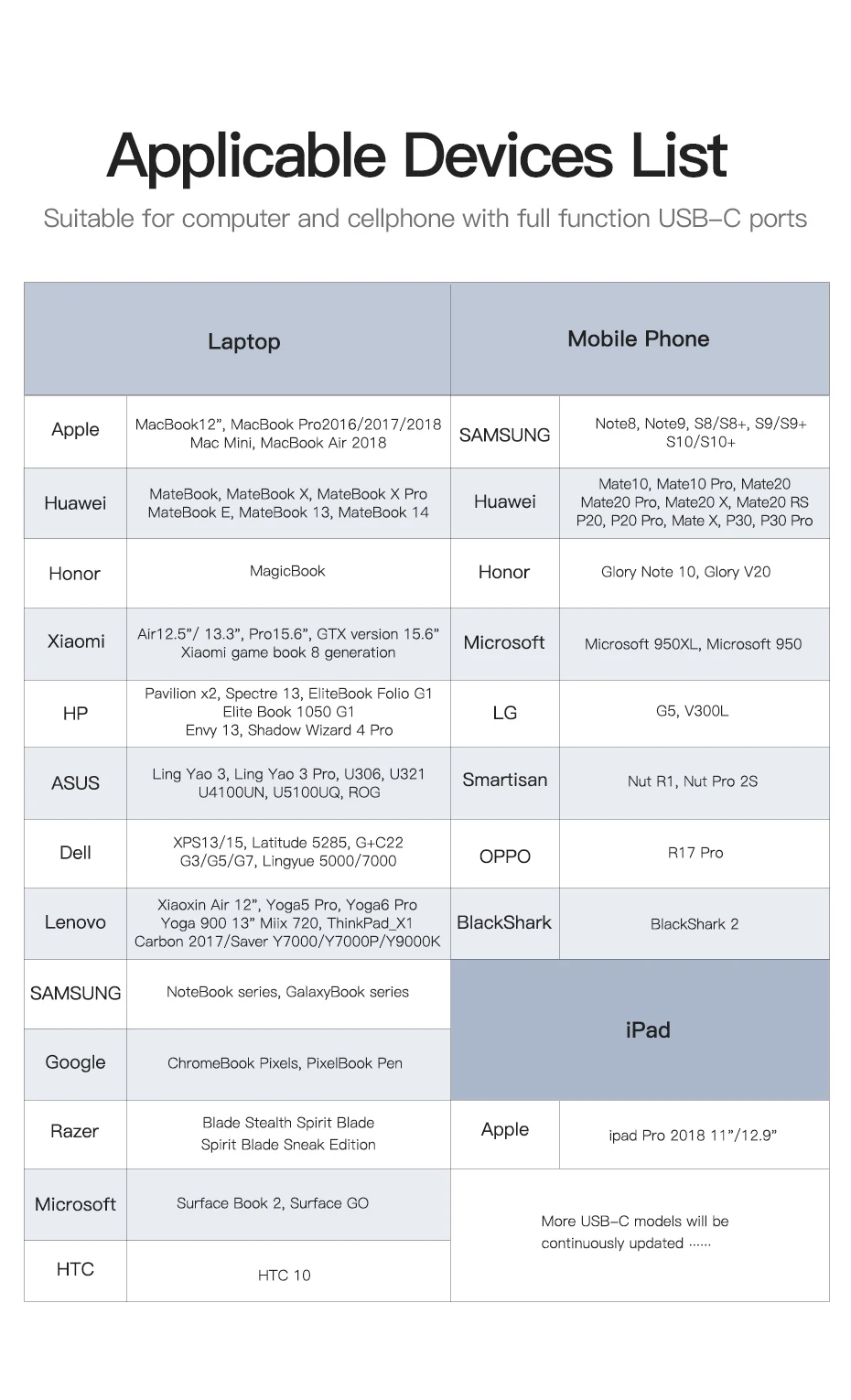
- Compatible with 2018/2017/2016 MacBook Pro, iPad Pro 2018 / Mac Mini 2018, iMac 2017, MacBook 2017/2016/2015, Surface Book 2, Pixelbook,HuaWei Mate10, Mate10 Pro,Mate20,Mate20 Pro,Mate20 X, Mate20 RS, P20, P20 Pro, Mate X, P30, P30 Pro,Galaxy Book,Galaxy Note8, Note9, S8/S8+, S9/S9+, S10/S10+, Dell XPS 15 / XPS 13, ChromeBook Pixels, PixelBook Pen, and others (see detailed product description section below)
- Kindly Reminder: For devices with USB 3.1 Gen 1, and Samsung Galaxy S9/S8, it may take longer time to sync, please be patient and give it more time
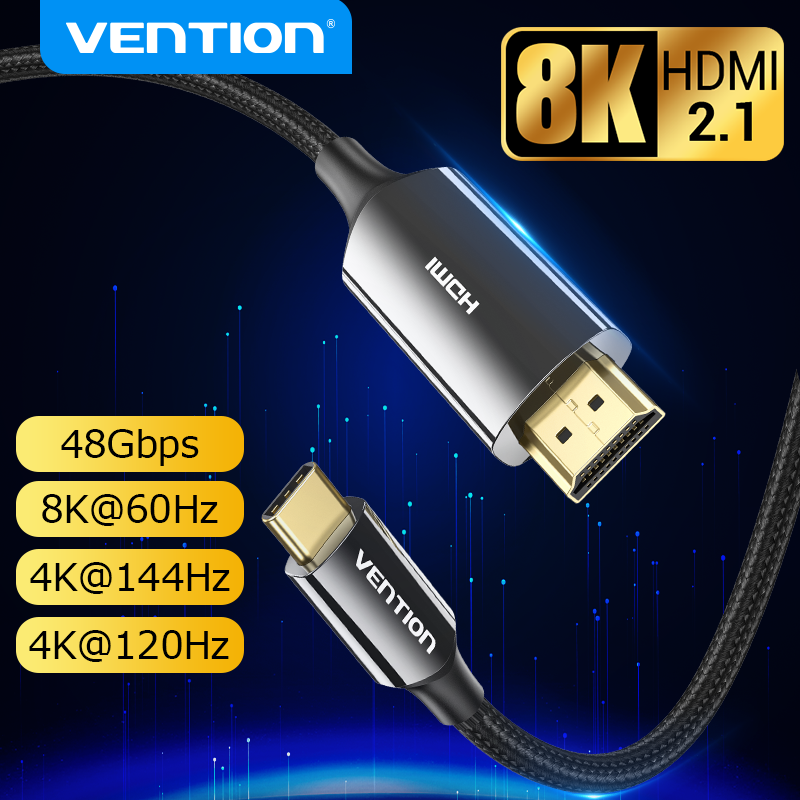
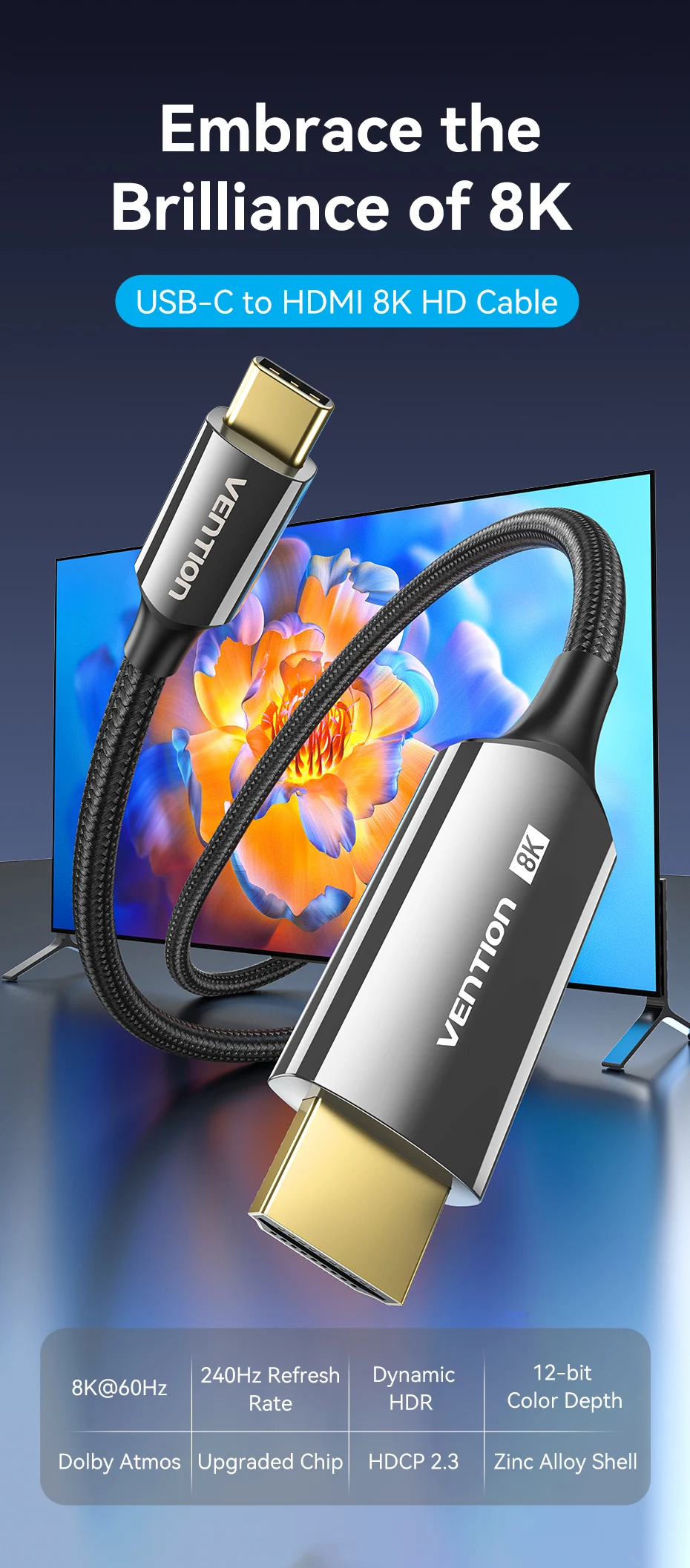
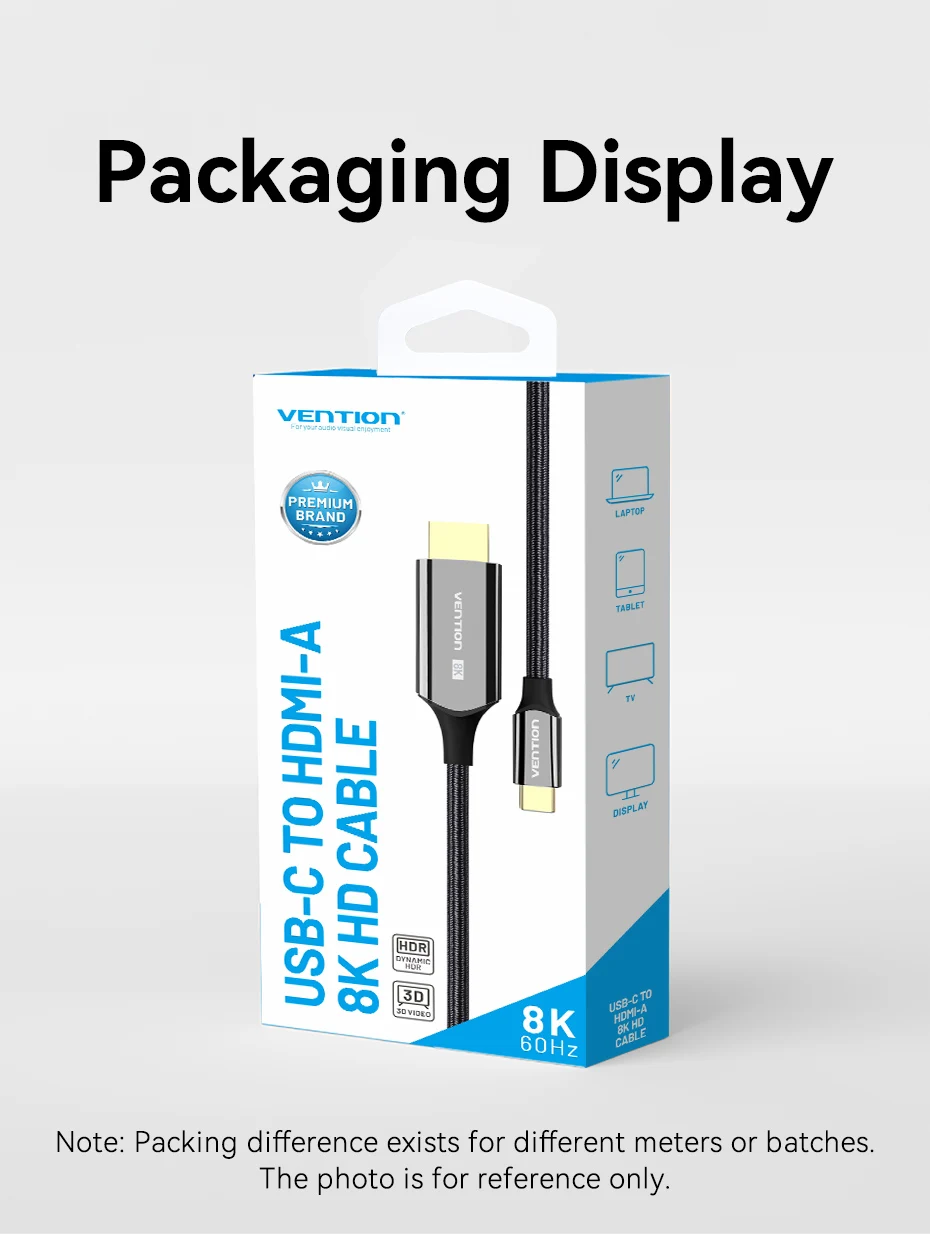
8K USB Type C to HDMI Cable
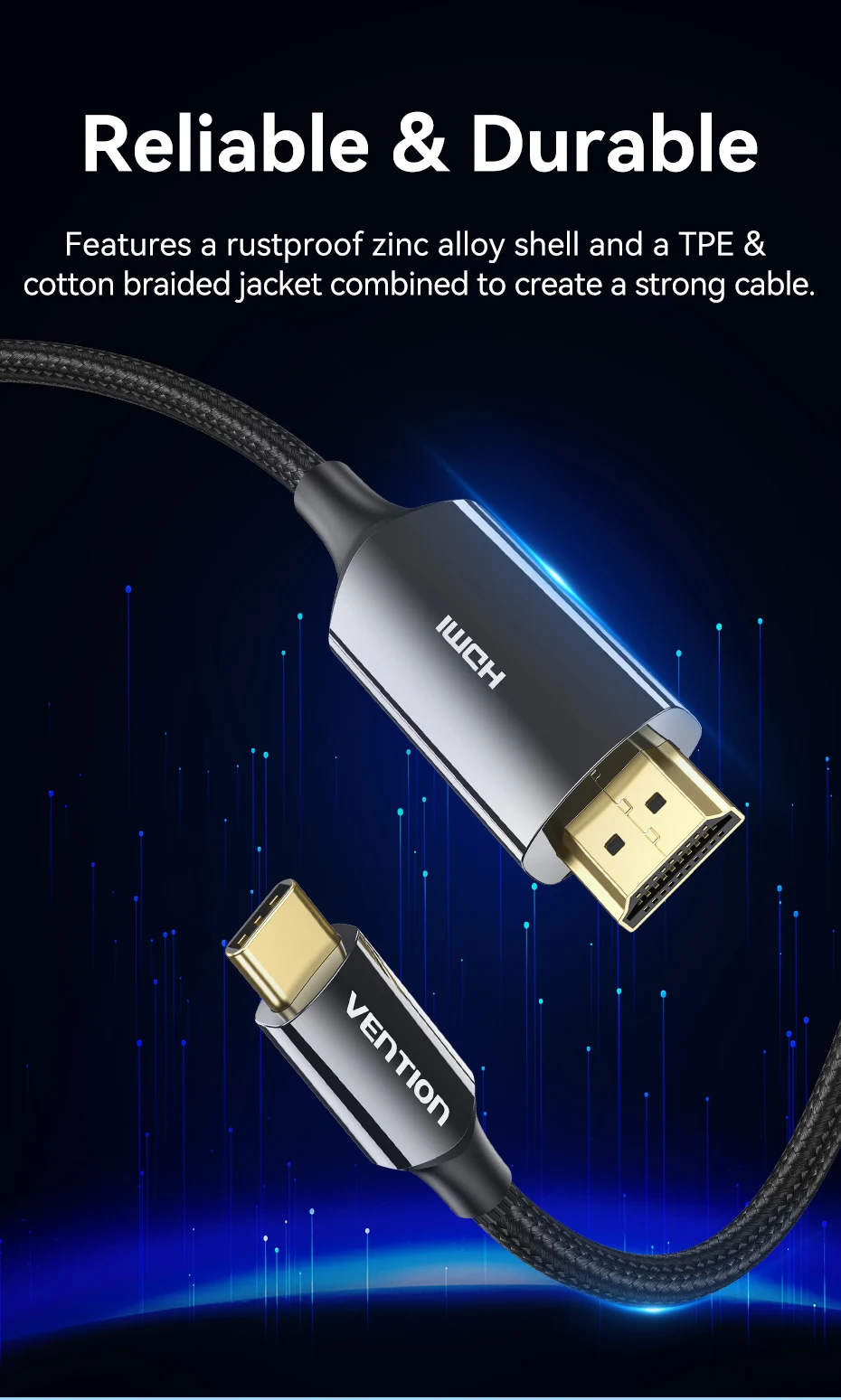
Reliable & Durable
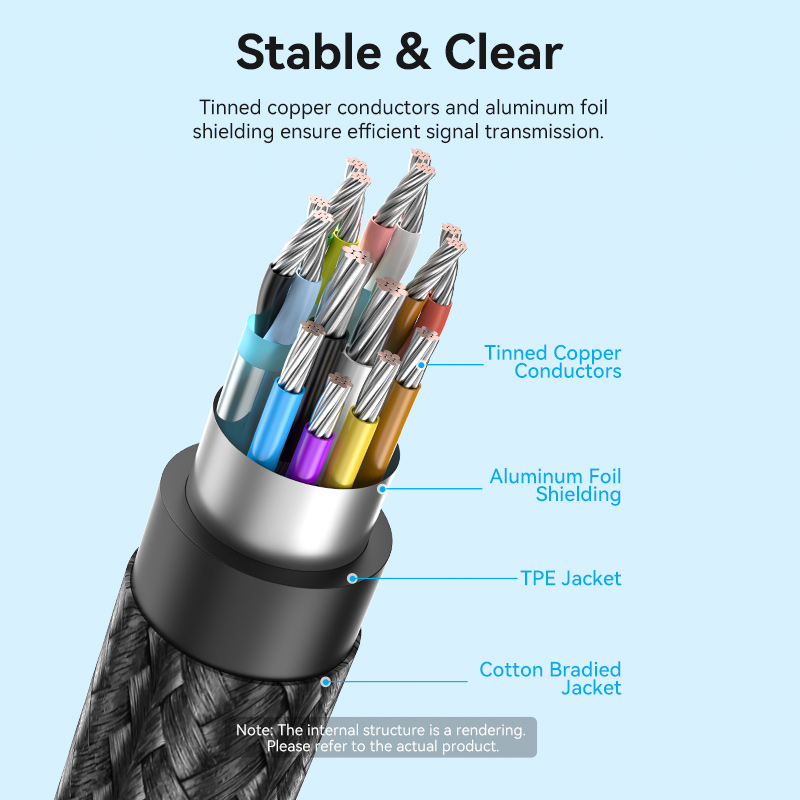
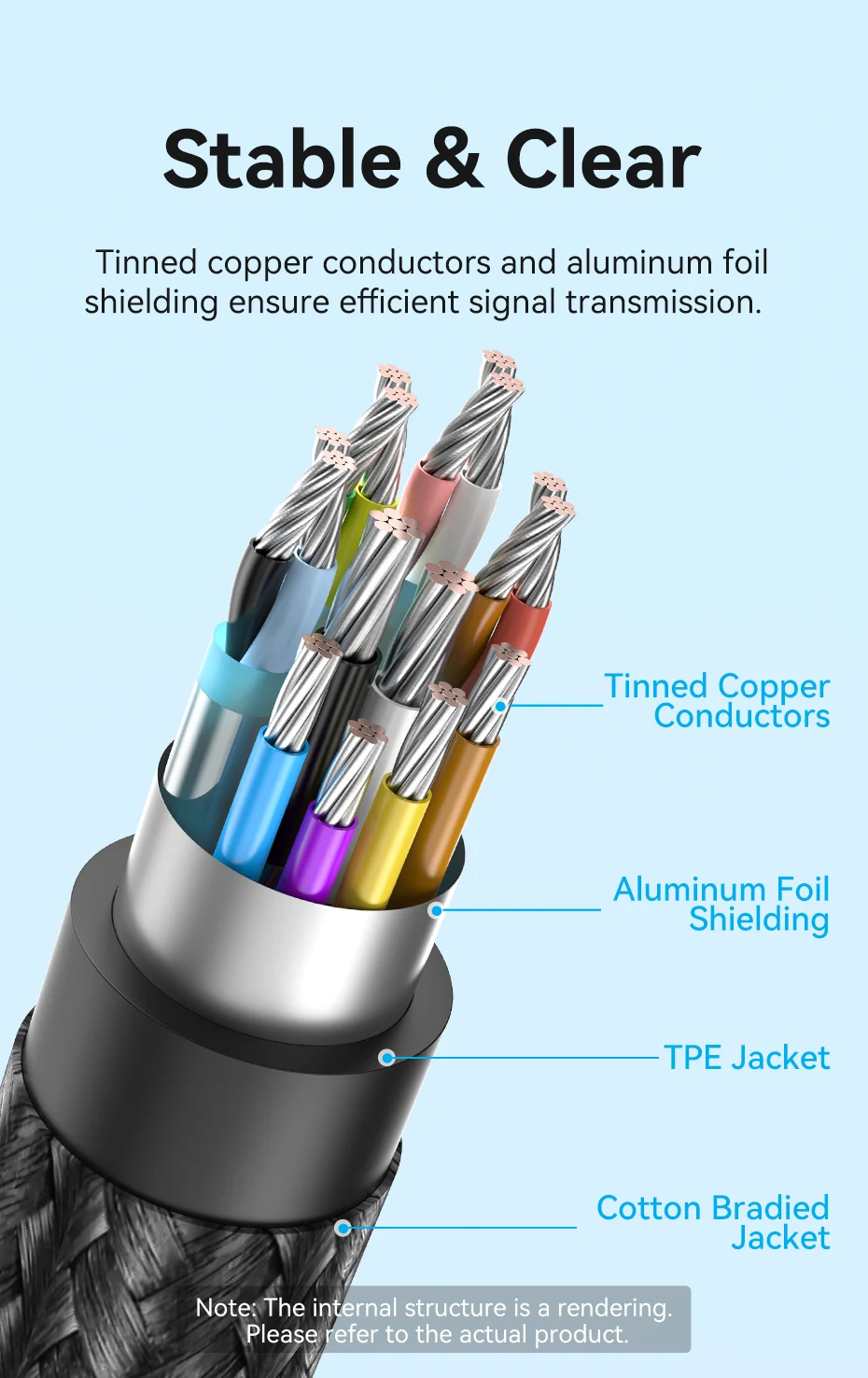
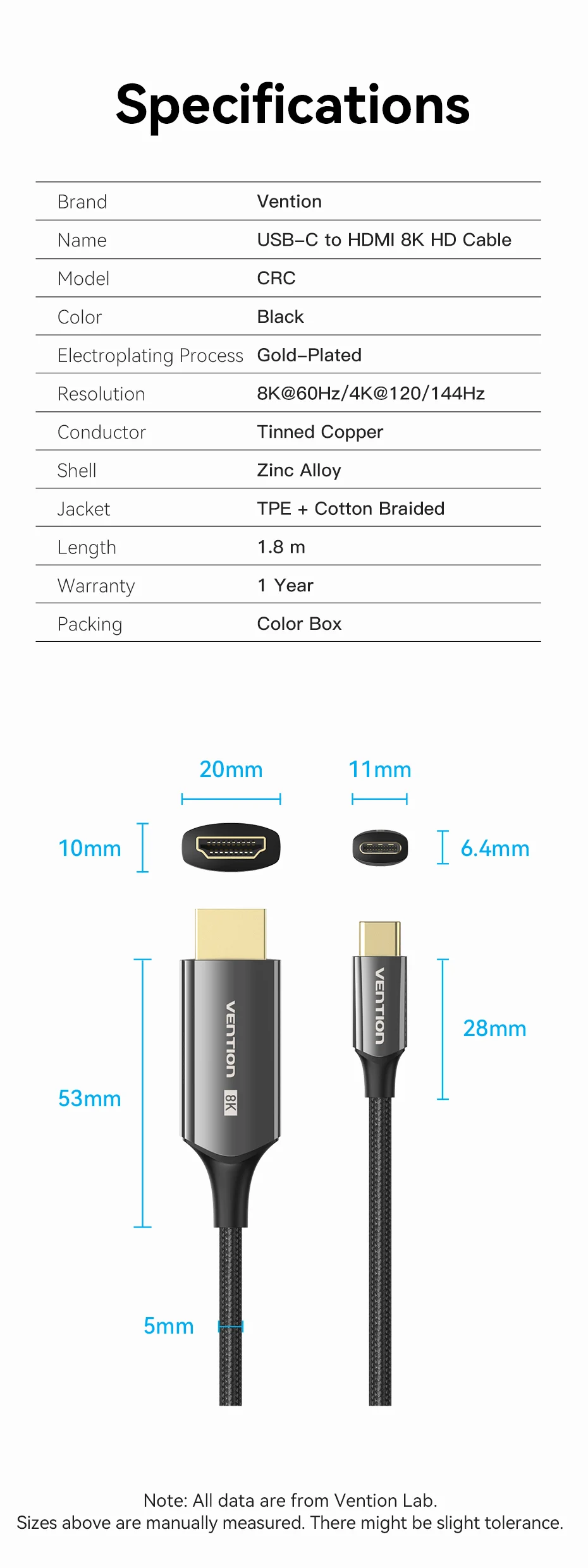
Features a rustproof zinc alloy shell and a TPE &
cotton braided jacket combined to create a strong cable.
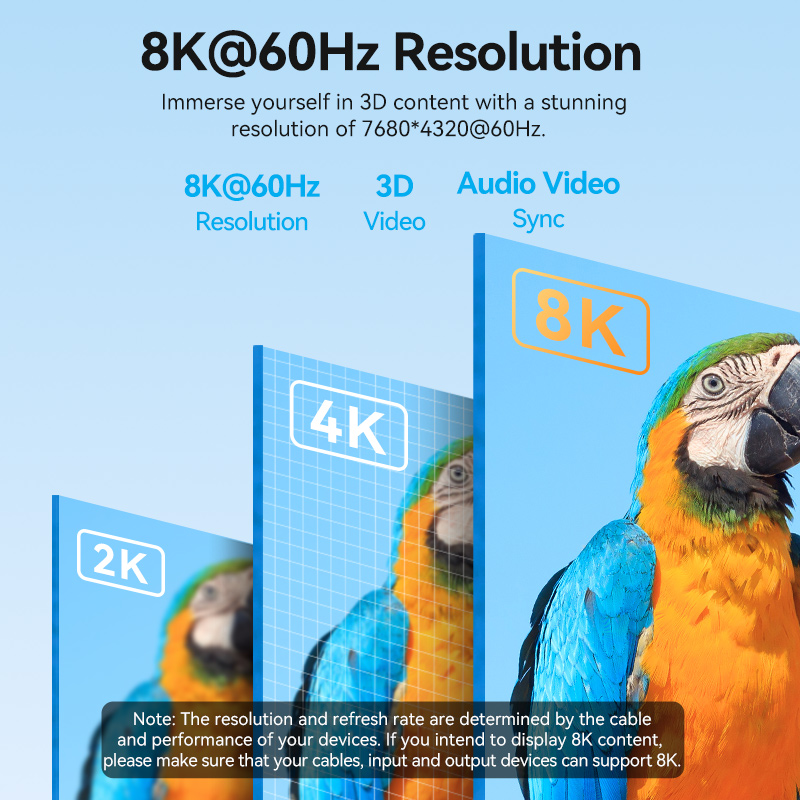
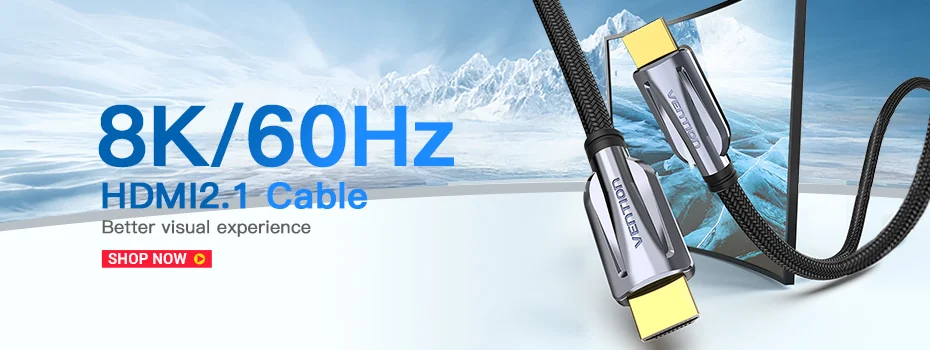
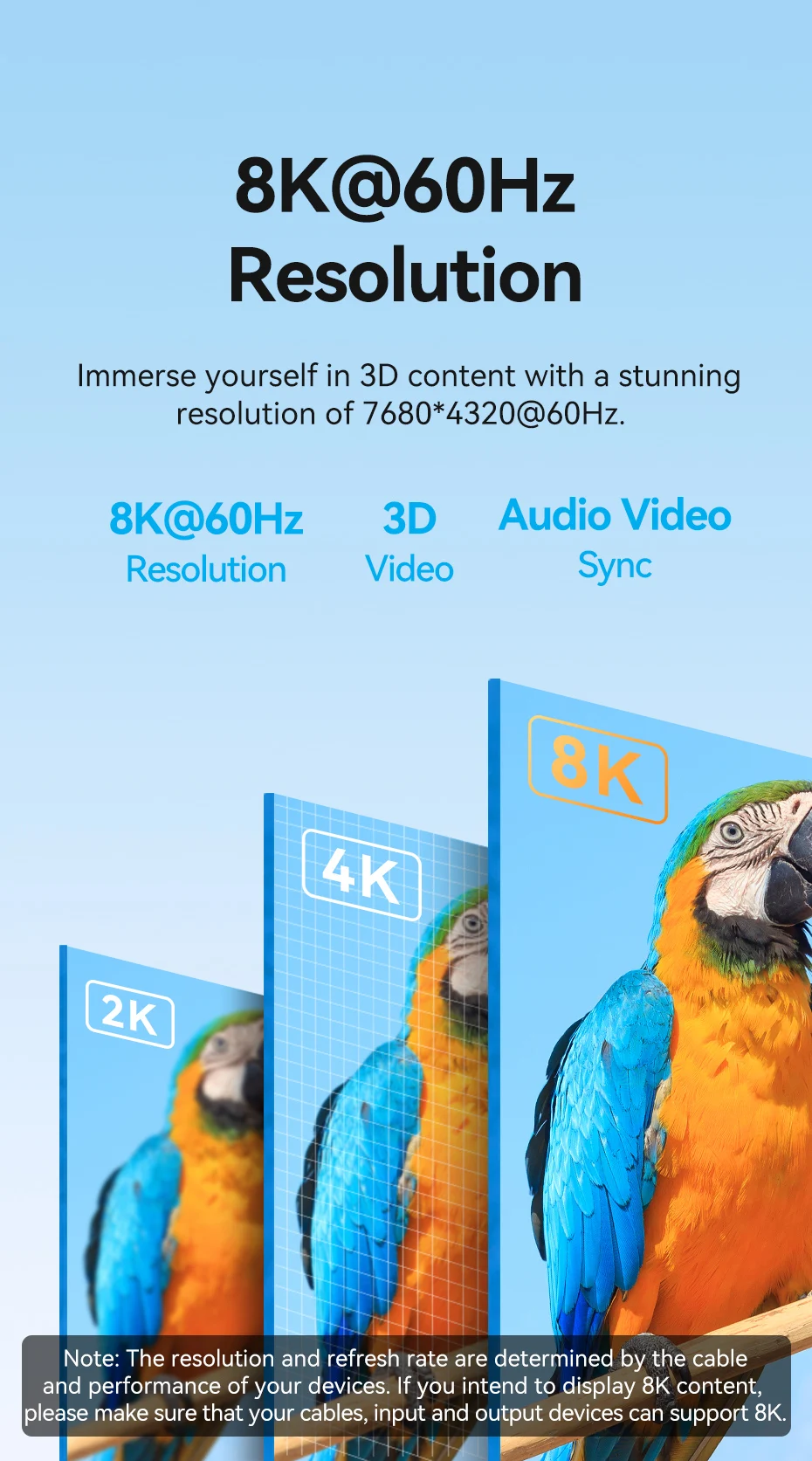
8K@60Hz Resolution
Immerse yourself in 3D content with a stunning resolution of 7680*4320@60Hz.
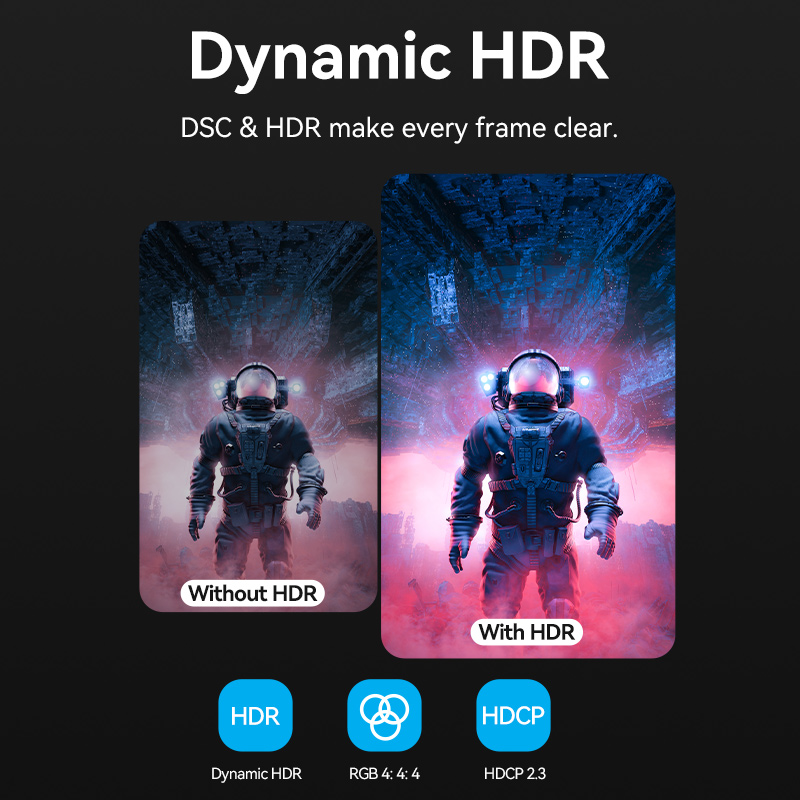
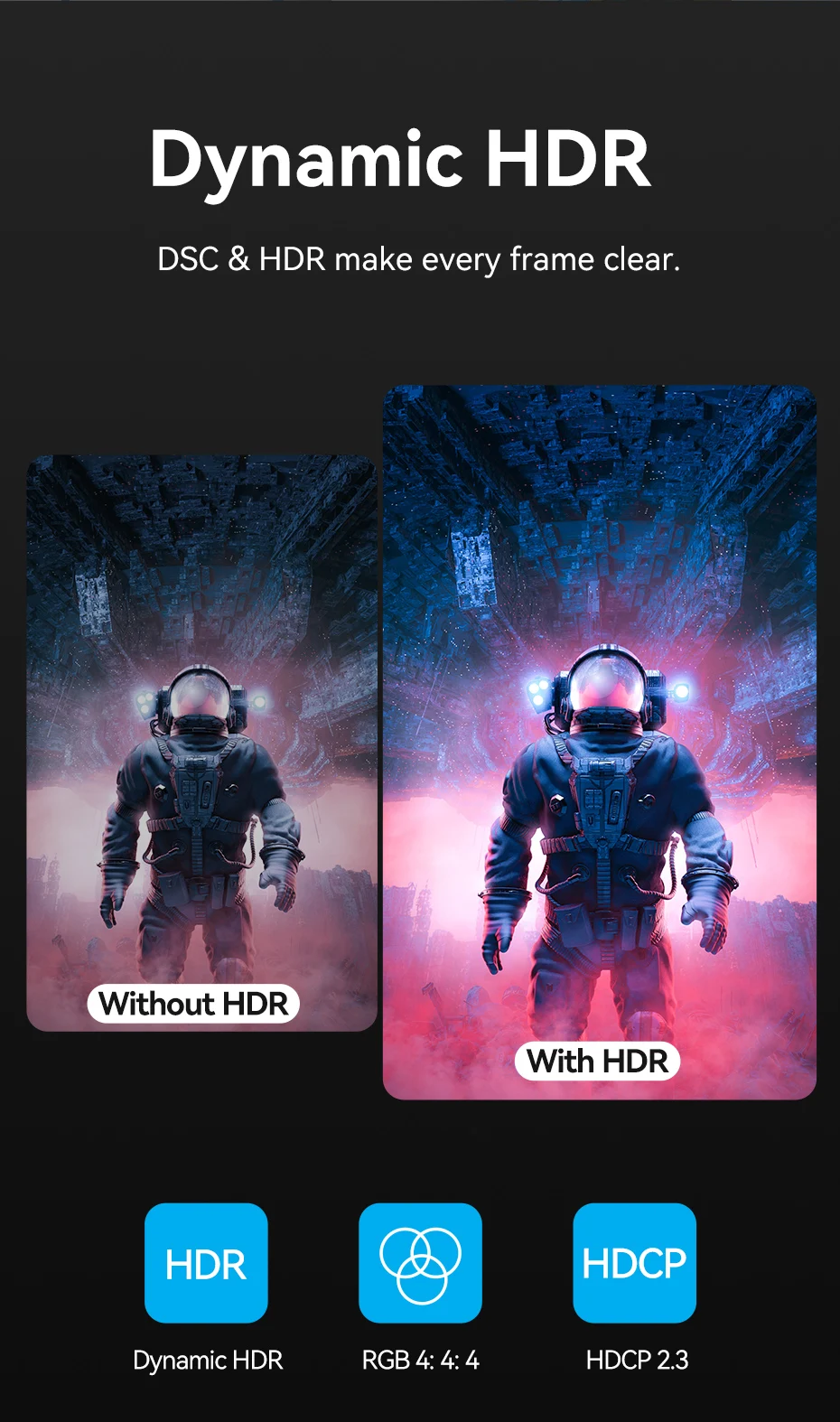
Dynamic HDR
DSC & HDR make every frame clear.
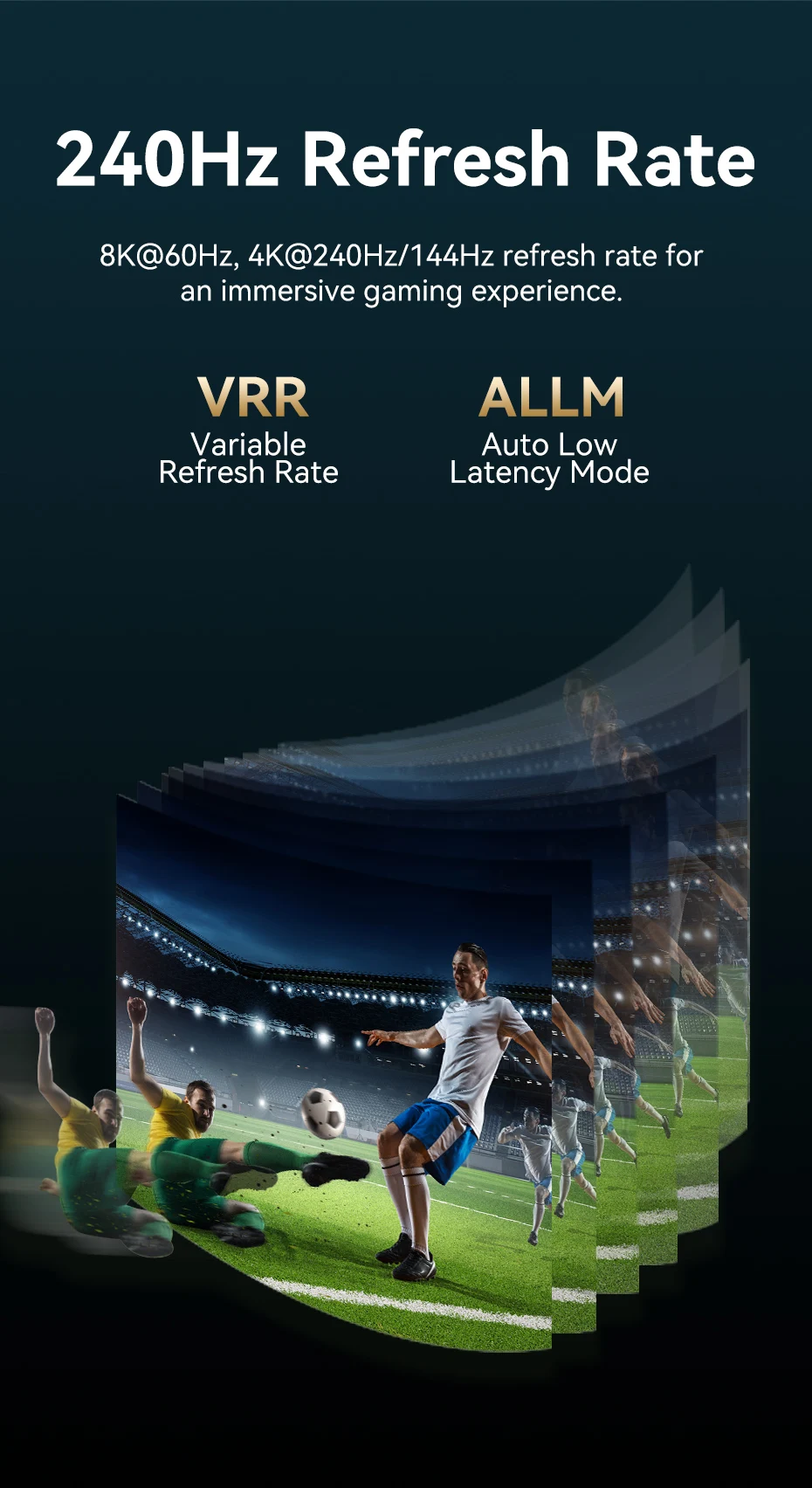
240Hz Refresh Rate
8K@60Hz, 4K@240Hz/144Hz refresh rate for an immersive gaming experience.
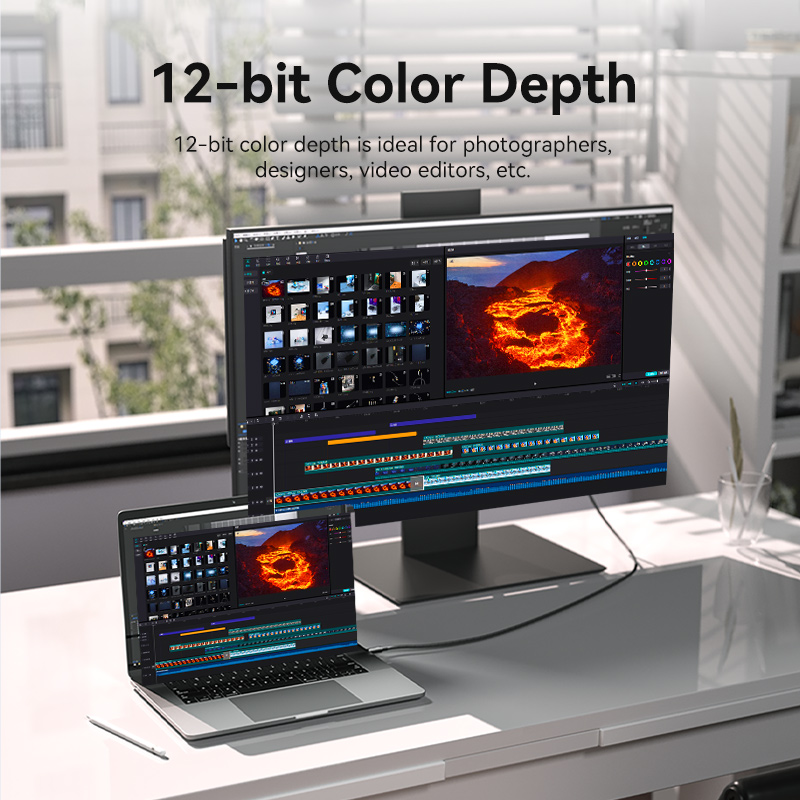
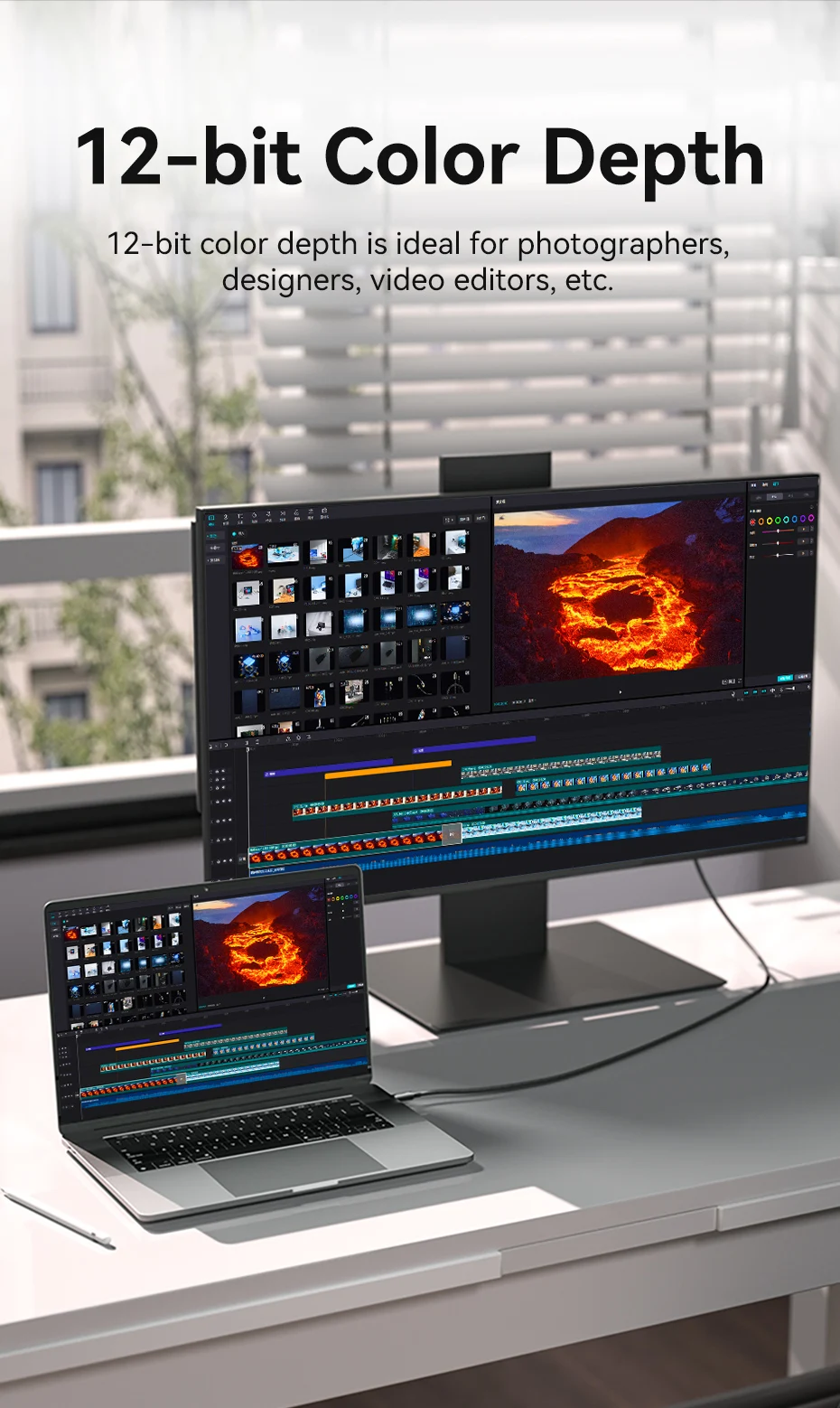
12-bit Color Depth
12-bit color depth is ideal for photographers, designers, video editors, etc.
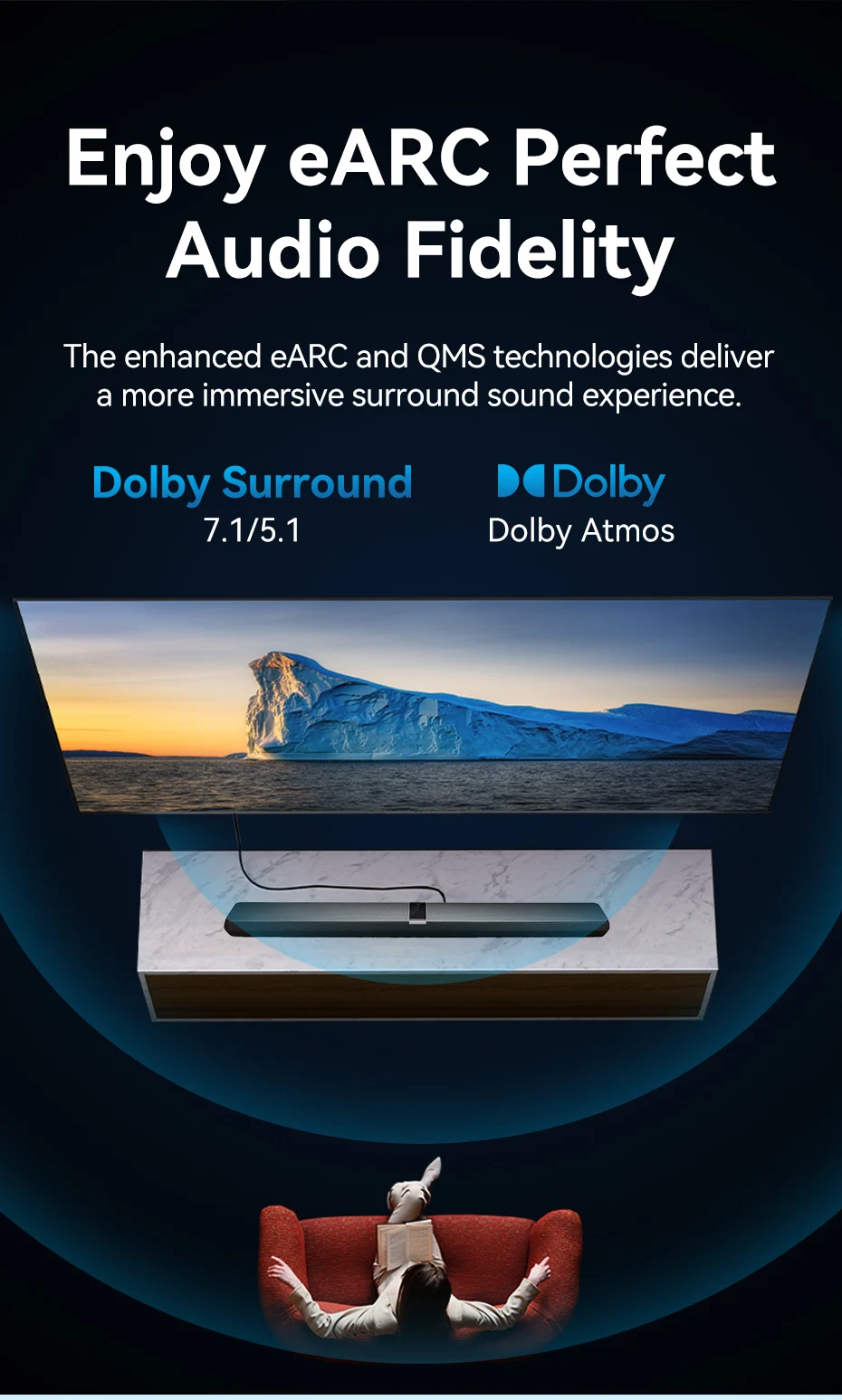
Enjoy eARC Perfect Audio Fidelity
The enhanced eARC and QMS technologies deliver a more immersive surround sound experience.
Stable & Clear
Tinned copper conductors and aluminum foil shielding ensure efficient signal transmission.
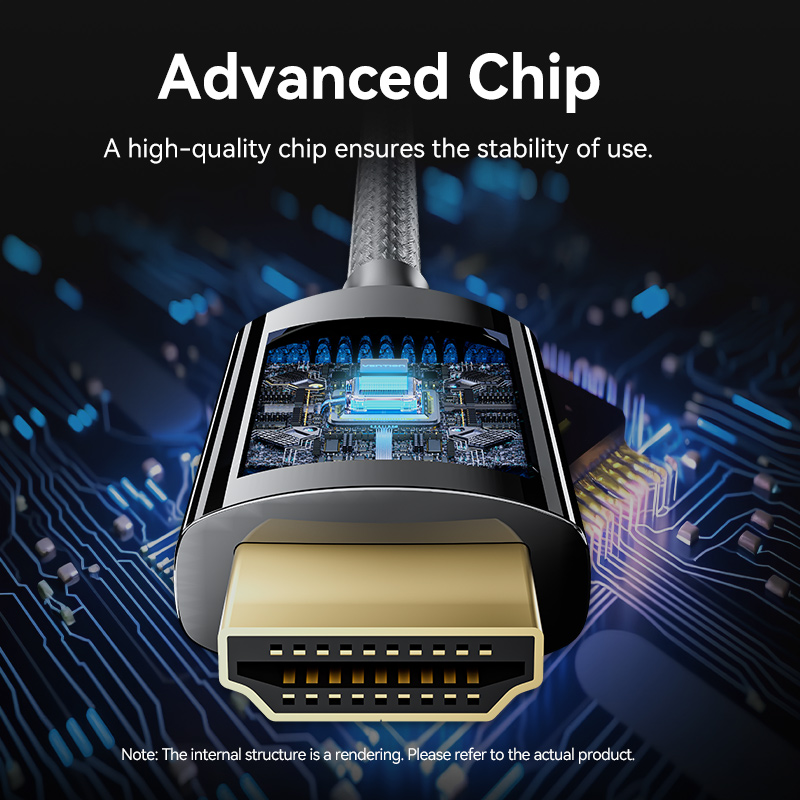
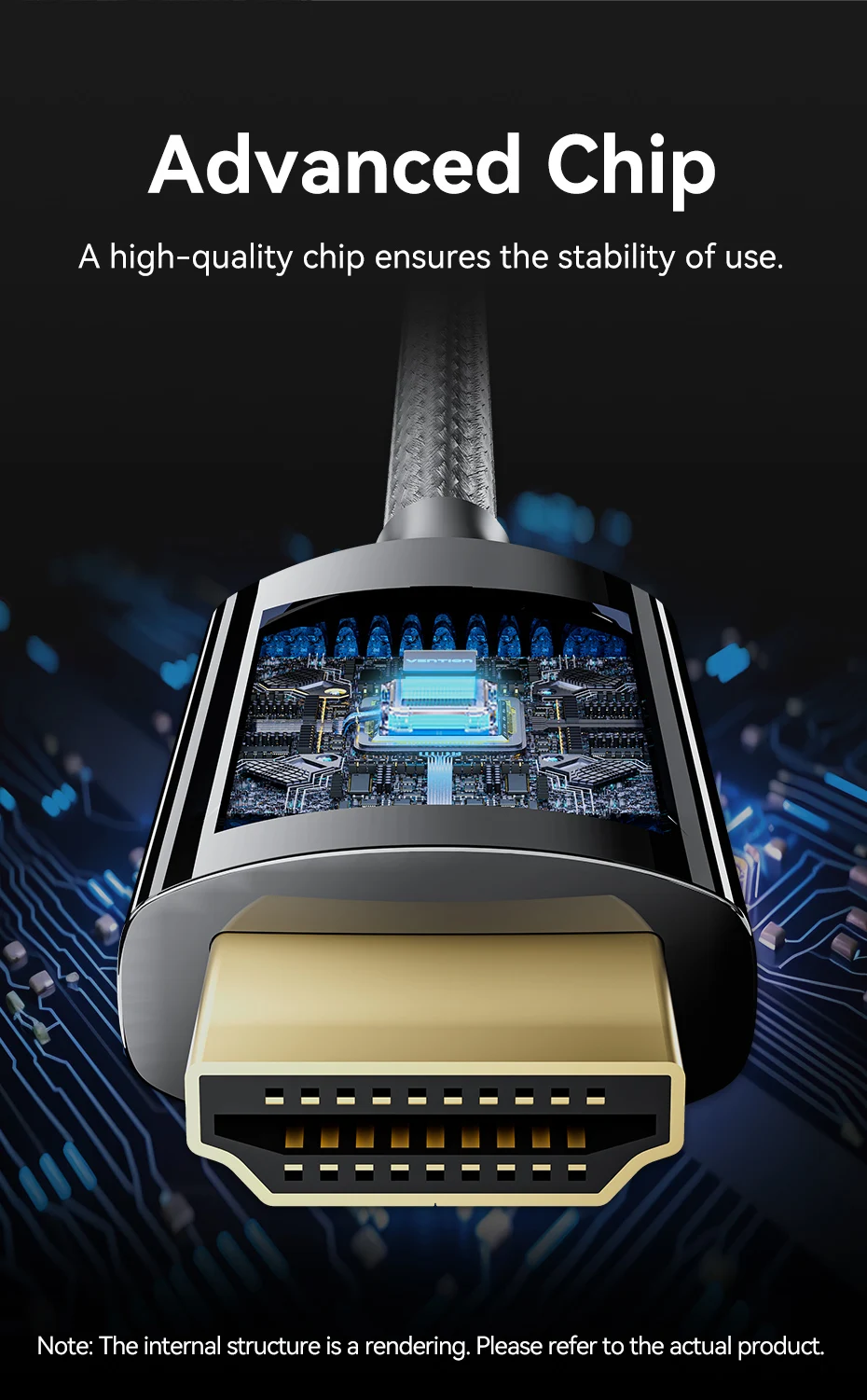
Advanced Chip
A high-quality chip ensures the stability of use.
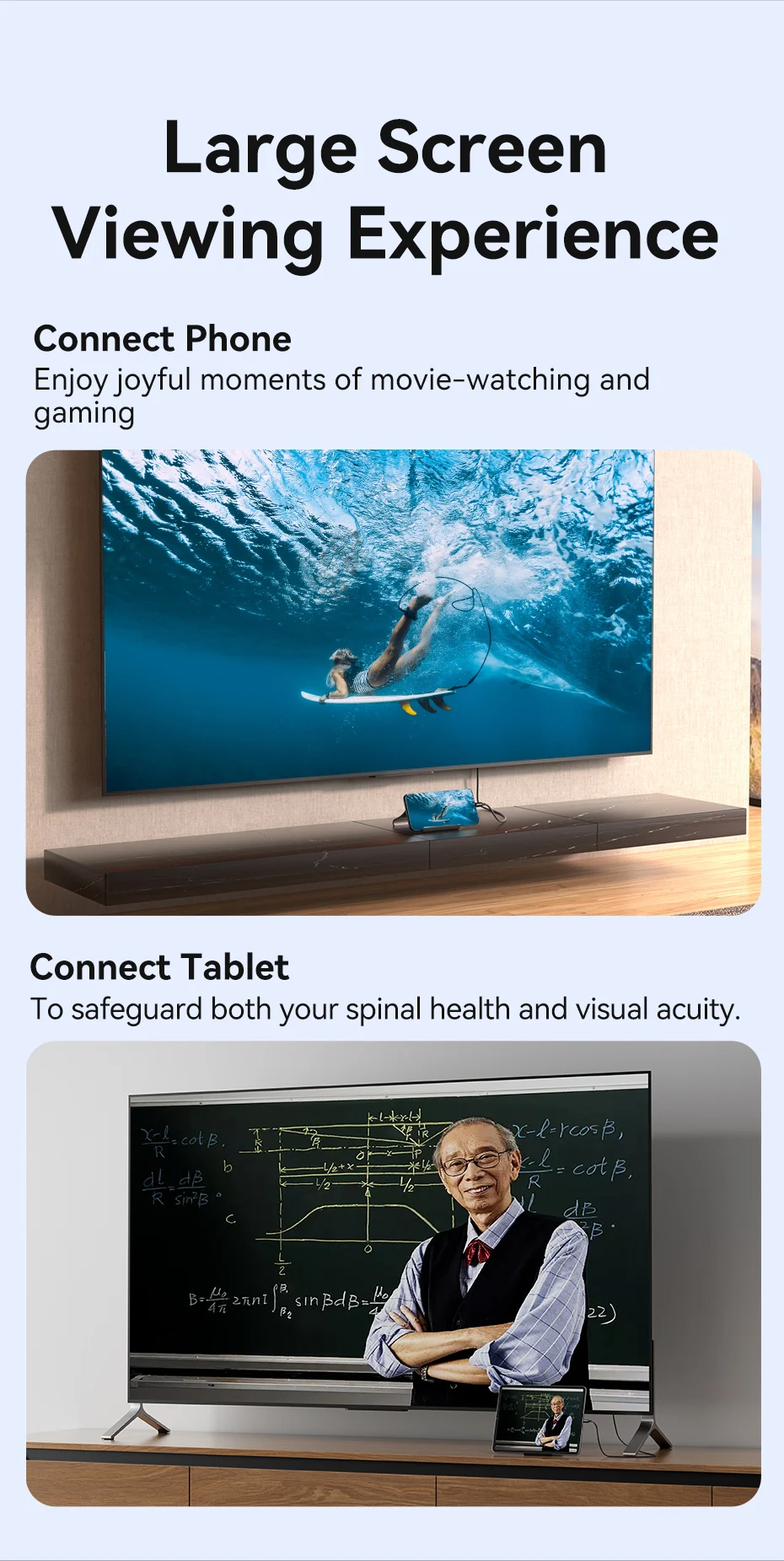
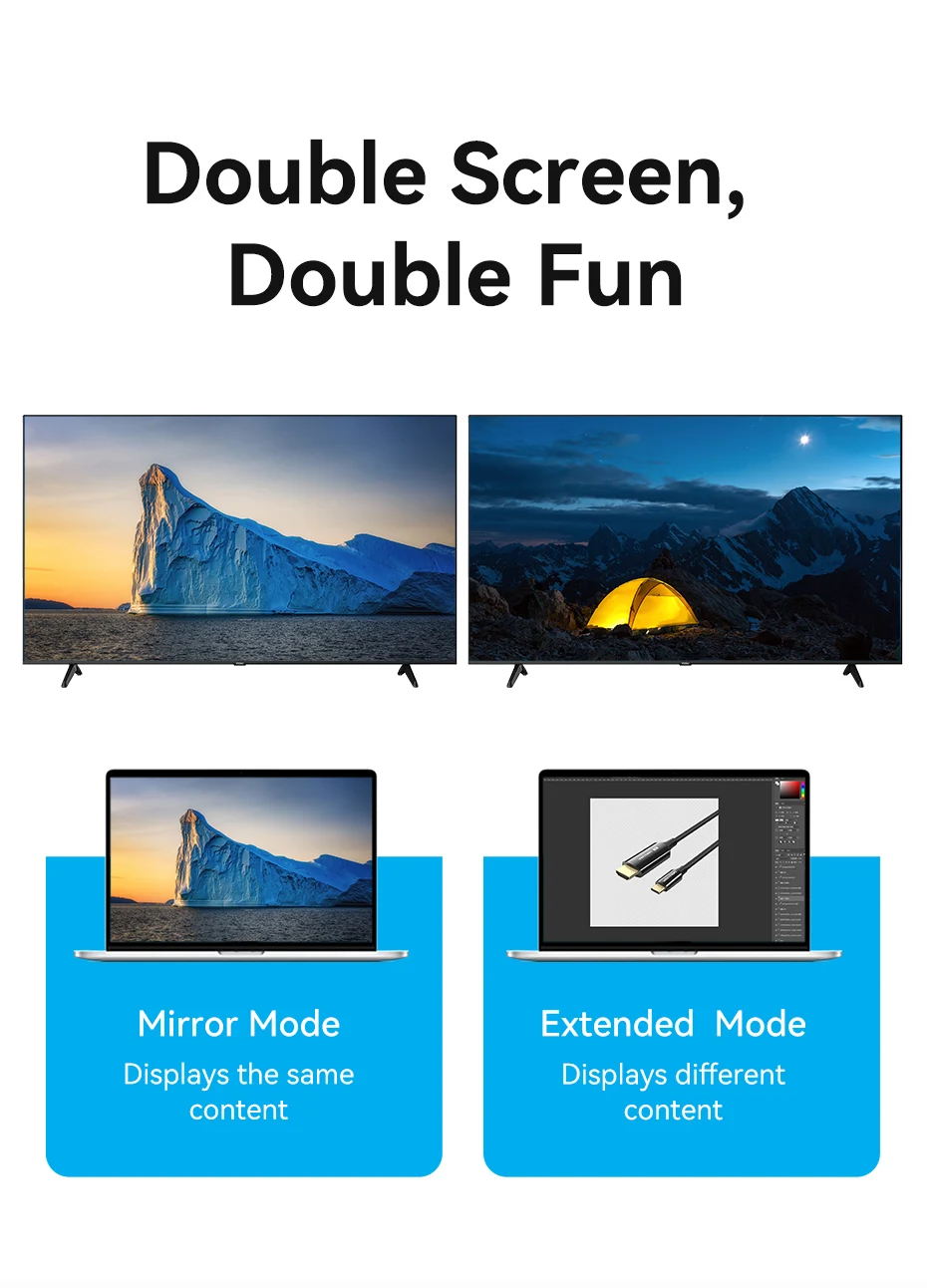
Large Screen Viewing Experience
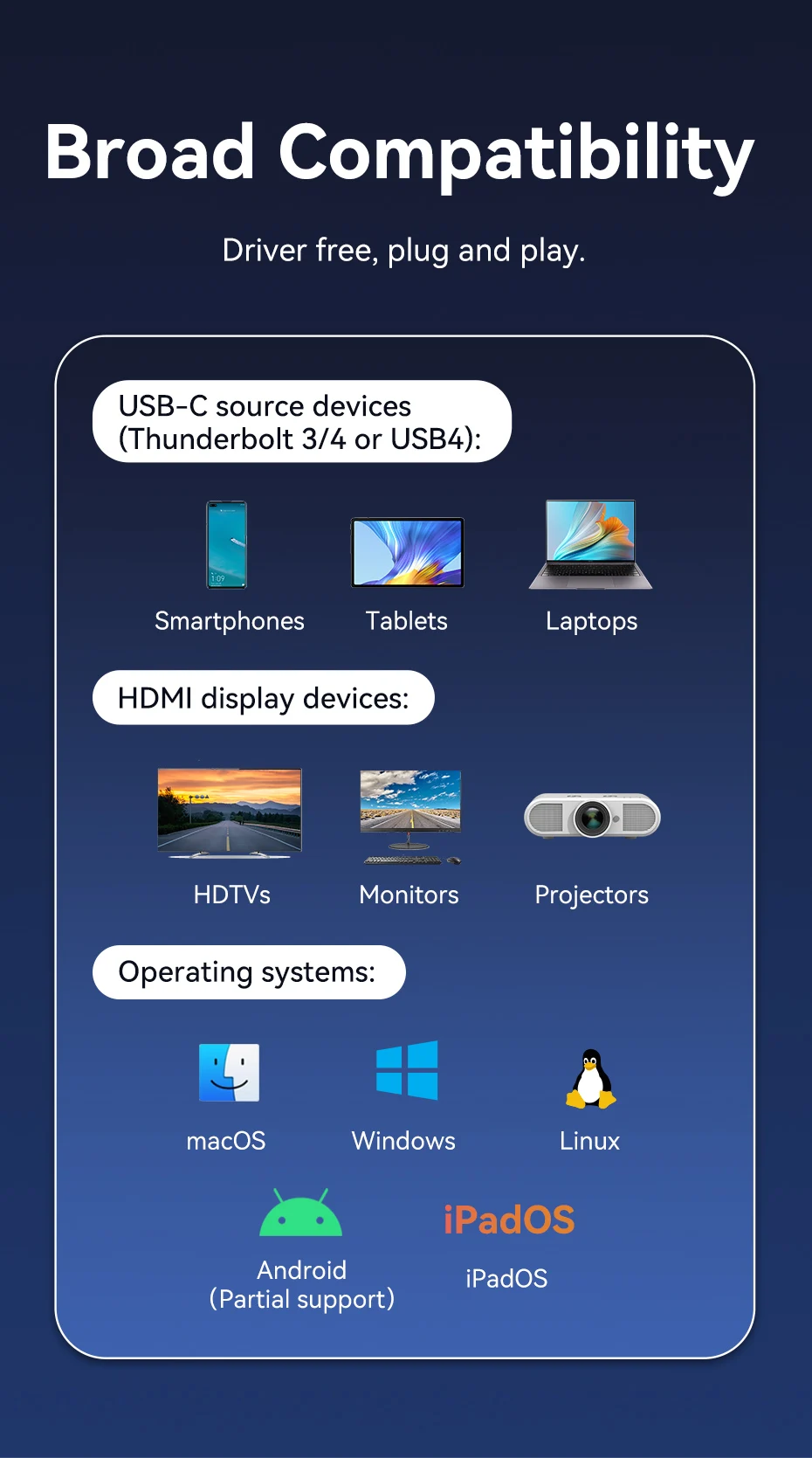
Broad Compatibility
Drive free, plug and play.
FAQ
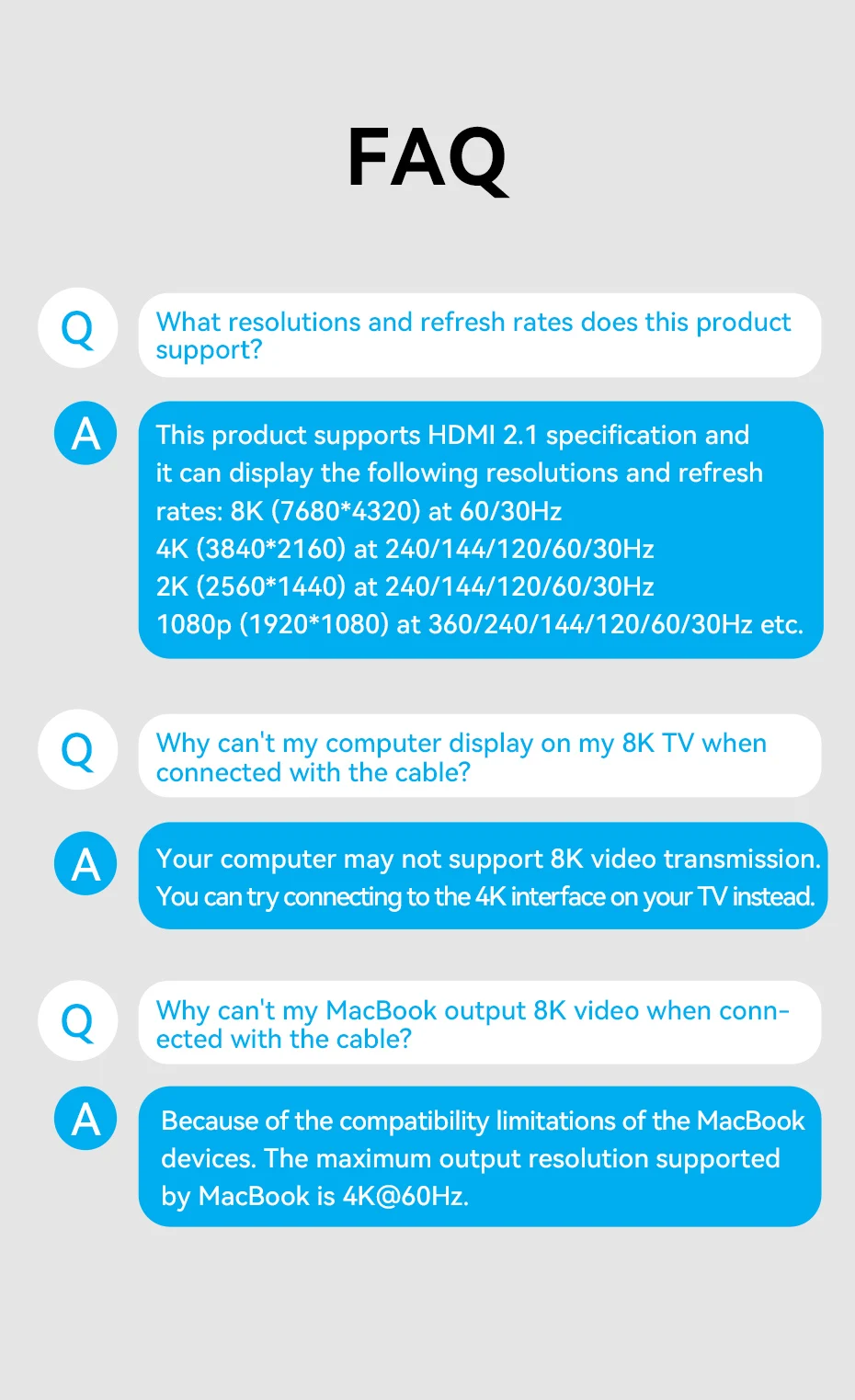
What resolutions and refresh rates does this product support?
A: This product supports HDMI 2.1 specification and it can display the following resolutions and refresh rates:
8K (7680*4320) at 60/30Hz
4K (3840*2160) at 240/144/120/60/30Hz
2K (2560*1440) at 240/144/120/60/30Hz
1080p (1920*1080) at 360/240/144/120/60/30Hz etc.
Q: Why can't my computer display on my 8K TV when connected with the cable?
A: Your computer may not support 8K video transmission. You can try connecting to the 4K interface on your TV instead.
Q: Why can't my MacBook output 8K video when connected with the cable?
A: Because of the compatibility limitations of the MacBook devices. The maximum output resolution supported by MacBook is 4K@60Hz.




Comentarios (0)
Su agradecimiento a la reseña no pudo ser enviado
Reportar comentario
Reporte enviado
Su reporte no pudo ser enviado